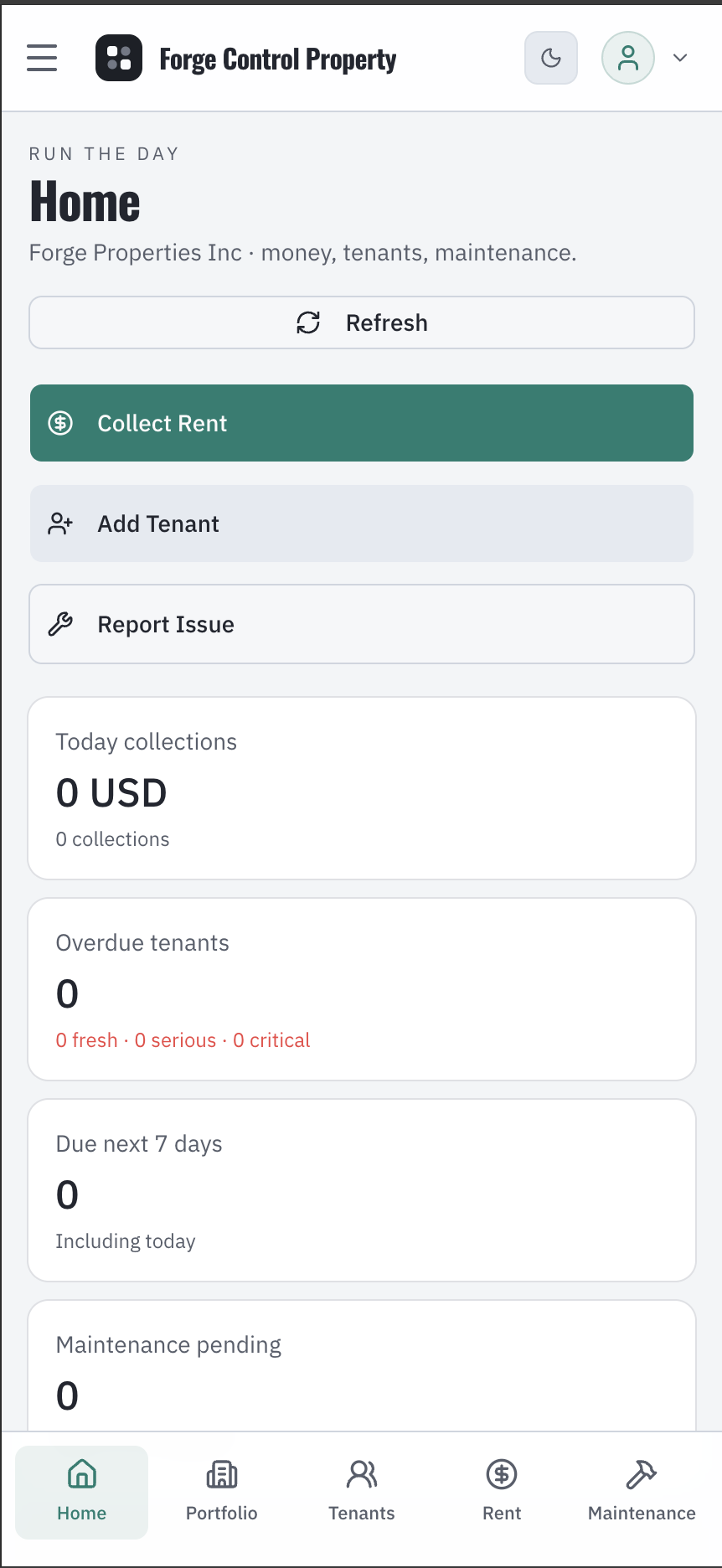
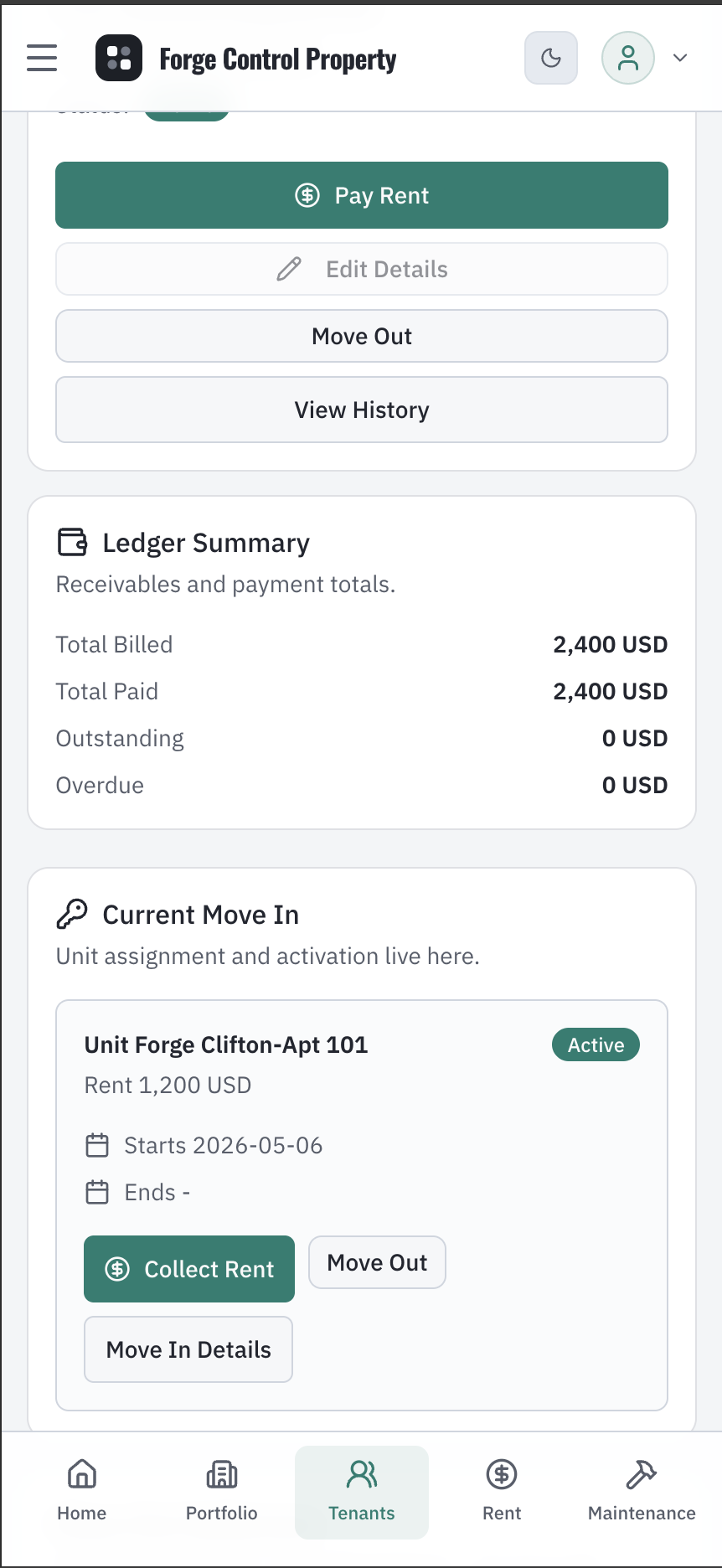
Train property clerks quickly
The app guides users through tenants, rent, maintenance, payments, and expenses so new staff can become useful without learning accounting domains first.
Choose Property and your country. Forge prepares the workspace and business setup, helps you bring properties, units, tenants, and opening records, then guides staff through rent, maintenance, payments, and review. Your organization keeps control without a traditional implementation project between it and the software.
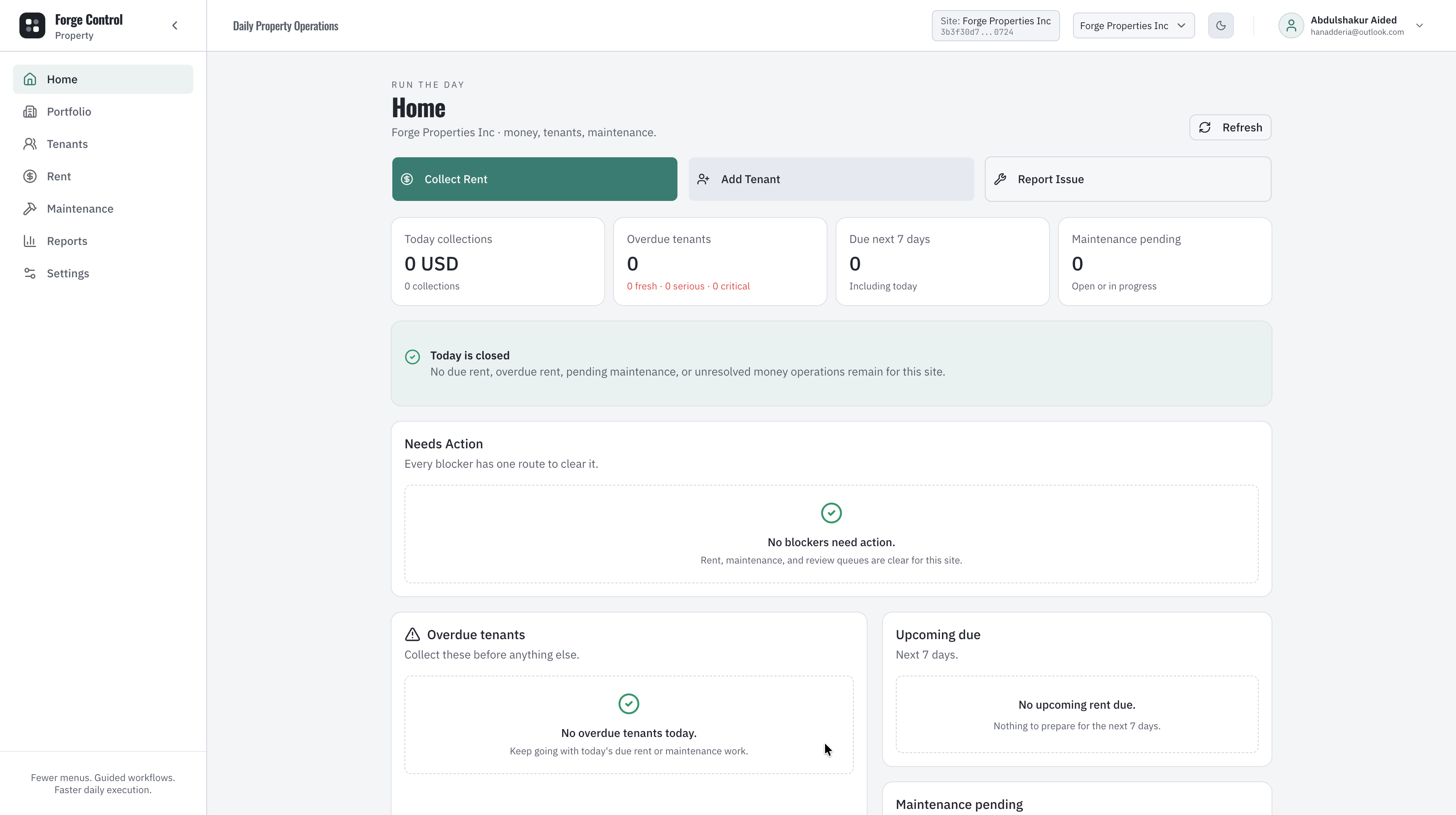
Property does not begin with discovery workshops and a long configuration project. It begins with a prepared product journey your organization can confirm, learn, and continue administering.
DELIVERY MODEL
Implementation consultant required: none.
Create the product workspace for the business and market where you actually operate.
Infrastructure, applications, and required services are provisioned as one product experience.
Confirm the prepared accounting, rent, payment, portfolio, and operating defaults for your market.
Bring properties, units, tenants, leases, balances, and opening records through structured import templates.
Give people their roles, access, and contextual workflow guidance without creating a permanent training dependency.
Activate a lease, collect rent, or complete move-in and see the operational and accounting consequences stay connected.
Property teams, field staff, and owners work through familiar business actions. Forge keeps the controls, accounting consequences, and operating knowledge behind those actions connected.
The app guides users through tenants, rent, maintenance, payments, and expenses so new staff can become useful without learning accounting domains first.
Teams can see tenant, unit, occupancy, rent, and document context in one property workspace instead of jumping between files.
Rent cycles, collections follow-up, payments, and reports stay connected so managers can see what is due and what changed.
Requests move through assignment, updates, and review with enough structure for owners to understand the status.
Expenses, payments, maintenance, tenant activity, and manager review give operators a clean way to inspect the portfolio.
Rent, payment, maintenance, and expense workflows create financial records, statements, audit trails, and reviewable owner reports.
Properties, units, tenants, occupancy, documents, and rent context stay connected instead of scattered across files.
Maintenance requests move from report to assignment and review with enough structure for managers to understand what changed.
Rent, payments, expenses, accounting setup, reports, and approvals keep property operations tied to reviewable records.
Managers and field teams can review tenant, rent, and maintenance workflows from mobile devices without losing the governed operating model.